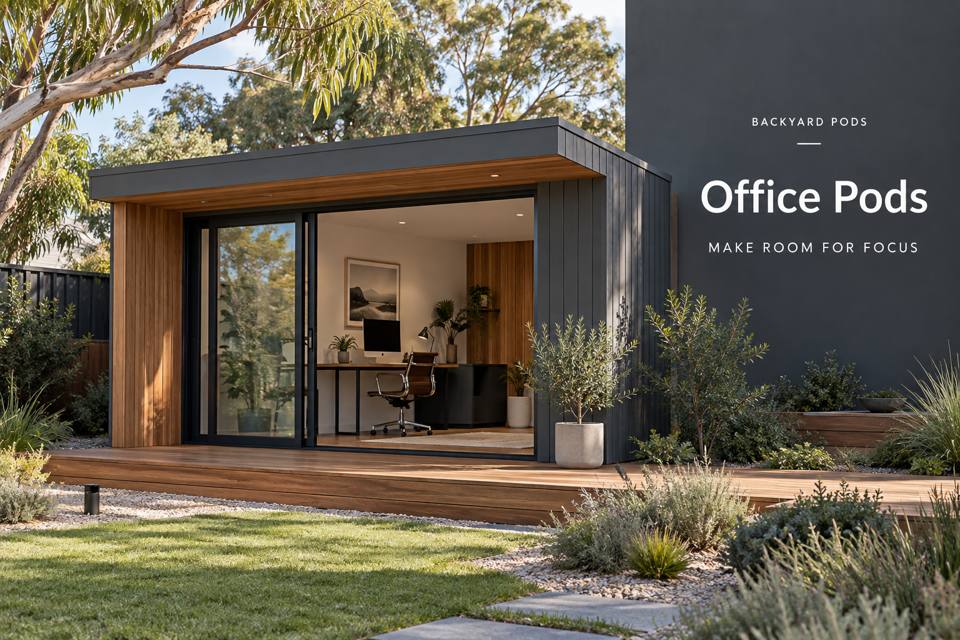
Remote training needs room for explanation as well as a camera.
Explore Office Pods in Port Elliot with this specific use in mind.
Remote training needs room for explanation as well as a camera. In Port Elliot, an office pod can support live teaching when demonstration materials, screen views and the presenter's movement are coordinated. Identify the subjects taught and the largest demonstration item before choosing a desk or fixing the recording position.
Show the teaching sequence
Rehearse one lesson from introduction to demonstration and questions. Mark where the presenter stands, sits and reaches for materials. Keep the camera view clear of the entrance route. A demonstration bench may need different height and depth from the computer desk, especially when hands or small components must be seen clearly during an explanation.
Use camera framing to guide the fit-out
Test the proposed frame with the actual camera and representative objects. Background storage should remain useful when its doors are opened, not merely attractive when closed. Discuss lighting that makes the presenter and demonstration legible without creating uncomfortable reflections. Adjustable shading can help manage variable daylight; it should be assessed with the planned teaching position in use.
Keep lesson materials ready
Group materials by lesson or process and allocate measured trays or shelves. The next demonstration should be reachable without walking through the camera setup. Separate items awaiting preparation from those ready to teach. If demonstration products or tools introduce particular handling needs, name them in the brief and obtain appropriate advice rather than treating the room as an ordinary office.
Review connection and session reset
Provide a list of computers, cameras, displays and microphones for electrical and data coordination. Test the connection arrangements against the intended teaching workflow; a window view does not establish reliable connectivity. Keep settings and lesson notes at the review position. The end-of-session routine should return materials and clear the demonstration bench without dismantling equipment needed for the next class.
◈ Assess the garden connection
For this Port Elliot brief, start outdoors by tracing lesson materials carried between the home and teaching room. Record gates, changes in level and the relationship between the entrance and existing garden surfaces. The responsible professionals should resolve supporting piers or other foundations against assessed site conditions. Surface water needs a coordinated route rather than an informal outlet beside the door. Discuss protection of established planting and how pets will be kept clear during works. A measured site plan makes these requirements visible before the interior arrangement becomes fixed.
Coordinate fabrication, services and handover
A quotation should explain the delivery method for the demonstration bench and camera-support equipment and who checks the route. Panel assembly and a transported complete unit should not be treated as interchangeable assumptions. Identify temporary staging space and protection for finished surfaces. Supply the trades with a schedule covering cameras, microphones, displays and the network connection. Ask the fit-out provider to demonstrate a presenter demonstrating objects without crossing the occupied camera route before manufacturing dimensions are confirmed. Keep finish samples and agreed details with the project records, then check the installed work against them during an organised handover.
▦ Compare the project decisions
| Priority | Brief information | Practical review |
|---|---|---|
| Teaching movement | Presenter positions and demonstration item sizes | Rehearse a complete lesson |
| Camera frame | Selected equipment and background storage | Check open cupboards within the view |
| Lesson readiness | Prepared trays and session notes | Reset without dismantling the setup |
Keep these priorities visible
- Teaching movement: Presenter positions and demonstration item sizes. Rehearse a complete lesson.
- Camera frame: Selected equipment and background storage. Check open cupboards within the view.
- Lesson readiness: Prepared trays and session notes. Reset without dismantling the setup.
✓ Prepare the enquiry step by step
- Rehearse a representative lesson using the current teaching equipment.
- Measure the demonstration bench separately from the computer desk.
- Test camera framing and daylight at normal session times.
- Prepare a device schedule for electrical and network advice.
- Review lesson storage with the teaching area fully occupied.
Related local project guides
For the complementary commercial pods decisions in Port Elliot, compare Port Elliot Commercial Pods for Garment Collection Appointments with a Clear Checking Surface.
For a different office pods use in Port Elliot, review Port Elliot Office Pods for Video Calls with an Acoustic and Background Brief.
Summary and next step
A remote-training office succeeds through a clear teaching sequence. Plan demonstrations, test the camera frame and keep lesson materials ready to retrieve. A coordinated equipment and service brief helps create a polished working room that supports both live explanation and the preparation behind it. Bring the completed checklist to your Port Elliot office pods enquiry, with the property measurements and equipment list. Compare the office pods range and the South Australia pages against that brief.
Regional references
For local landscape context, consult the council regional information. The Victor Harbor regional climate record offers background for seasonal planning; it does not establish the proposed property's exposure or construction requirements.
